


- Understanding the importance of FAQs
- Installing and setting up Helpie FAQ
- Designing an effective FAQ layout
- Customizing FAQ features and styles
- Best practices for maintaining your FAQ page
The Frequently Asked Questions (FAQ) section is a crucial component of any website, acting as a bridge between the business and its audience to deliver essential information efficiently. Understanding its significance is paramount for businesses seeking to enhance user experience and streamline customer service. FAQs provide users with a quick and accessible repository of common inquiries and their solutions, reducing friction and saving valuable time for both the customer and support staff. They help mitigate customer confusion and support queries by addressing common points of confusion or concern directly on the website.
Moreover, well-structured FAQs can significantly boost SEO. By incorporating targeted keywords naturally, FAQs can improve a site’s visibility on search engines, drawing more traffic. Google’s algorithm often favors pages with rich schema markup, which can be effectively achieved through structured FAQ content. This not only enhances visibility but also earns visibility in the form of rich snippets, increasing click-through rates from search engines.
Deploying a tool like the Helpie FAQ plugin can streamline this process immensely. This plugin enables the creation of collapsible FAQ sections that are not only visually appealing but also enhance the user interaction by presenting information in a digestible format. Collapsible formats prevent the page from being overwhelming, allowing users to navigate to answers that pertain directly to their queries by expanding sections of interest.
In addition to improving user experience and SEO, FAQs are paramount for building trust with customers. By transparently addressing common questions, a brand can foster credibility and demonstrate its expertise in the industry. This is especially true for businesses with a digital presence, as potential customers are often more inclined to engage with a brand that showcases comprehensive knowledge and values transparency.
Platforms like WorldPressIT.com empower WordPress users by providing access to over 8,000 premium plugins and themes at affordable prices due to their special GPL licensing. Websites can take advantage of these resources to adapt and enhance their FAQ sections, among other functionalities, ensuring a top-notch digital experience. This is particularly beneficial for businesses ranging from startups to large enterprises looking to augment their online presence efficiently.
Installing and setting up Helpie FAQ
The first step in creating an effective FAQ section using the Helpie FAQ plugin is the installation and setup process. Whether you’re a WordPress novice or an experienced webmaster, Helpie FAQ ensures that integrating a robust FAQ section into your website is straightforward. Start by navigating to your WordPress dashboard and selecting the ‘Plugins’ option from the menu. Click on ‘Add New’ and search for ‘Helpie FAQ’. Once you find it, click ‘Install Now’ and then ‘Activate’ to get started.
After activation, you will see a Helpie FAQ option in your WordPress dashboard menu. From here, you can begin the setup process, which includes configuring essential settings to tailor the FAQ section to your specific needs. Start by setting up categories for your FAQs. Categorizing questions helps users navigate and find answers more efficiently, thereby enhancing the user experience.
Next, you can begin adding questions and answers. The Helpie FAQ plugin is designed to be user-friendly, allowing you to create FAQs with ease. Simply click ‘Add New’ under the Helpie FAQ section, and fill in your question and answer. You can format the text, include images, or even embed videos to provide detailed responses. The Helpie FAQ interface supports rich text formatting, ensuring your content is presented clearly and effectively.
One of the standout features of Helpie FAQ is its emphasis on design and functionality. With collapsible FAQ formats, the plugin ensures your page remains clean and organized, allowing users to expand on the queries that interest them. This design not only improves navigability but also enhances the website’s aesthetic appeal.
Furthermore, integrating schema markup with the Helpie FAQ plugin provides significant SEO benefits. By allowing search engines to better understand the content of your FAQs, Helpie FAQ can enhance your site’s search visibility. Users are more likely to click on rich snippets displayed in search results, increasing your site’s traffic and engagement.
With resources like WorldPressIT.com providing access to premium plugins and themes at affordable prices, WordPress users can easily include the Helpie FAQ plugin in their toolkit. This access, facilitated by special GPL licensing, ensures you can efficiently implement and customize premium features without breaking the bank. Whether you’re running a small blog or a large corporate site, integrating a powerful FAQ section with Helpie FAQ can significantly enrich your users’ digital experience.
Designing an effective FAQ layout
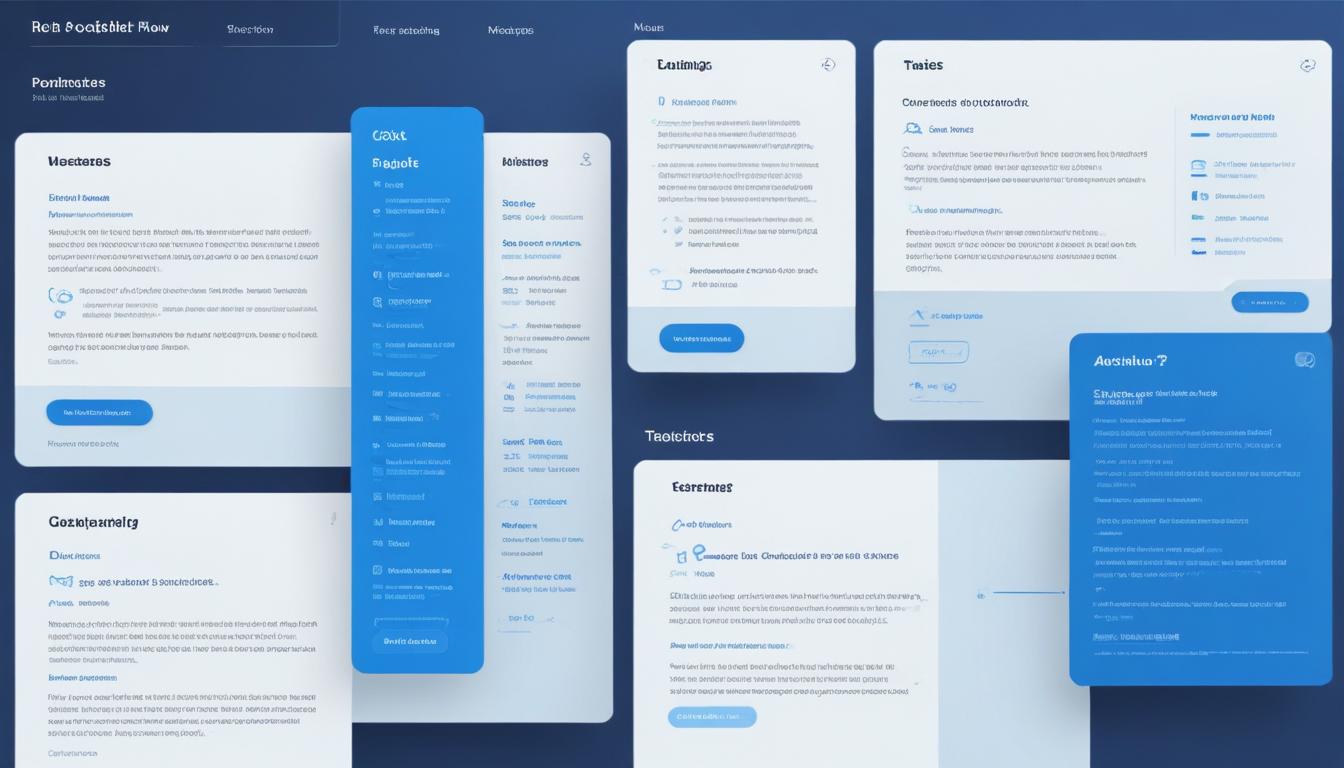
To create an exceptional FAQ page that stands out and serves its purpose effectively, it’s crucial to focus on the layout design. The layout not only determines the aesthetic appeal but also plays a significant role in the usability and functionality of the FAQs. Ensuring that the layout is clean, intuitive, and user-friendly can drastically enhance the visitor’s experience.
A well-designed FAQ layout should begin with categorization. This means organizing questions under clear headings or categories, which helps users easily navigate and find the information they need. The Helpie FAQ plugin simplifies this by allowing you to create categories seamlessly, aiding visitors in locating related questions without endless scrolling. Implementing a logical hierarchy within your FAQs not only boosts user satisfaction but also improves the overall efficiency of information delivery.
Incorporating a collapsible FAQ format is another highly effective way to streamline your FAQ page. With the Helpie FAQ plugin, you can effortlessly create expand/collapse sections. This design not only makes the FAQ page appear less cluttered but also ensures that users don’t feel overwhelmed by too much information at once. Users can click on specific questions to view the answers they are interested in, making the interaction more engaging and tailored to their needs.
Visual considerations are equally vital. Utilize white space strategically to ensure the layout is not only visually appealing but also intentionally easy on the eyes. The text should be readable, using a contrasting font color against the background. The Helpie FAQ plugin offers customization options for fonts and colors, allowing your FAQs to align with your site’s branding.
Additionally, integrating schema markup within your FAQ page can significantly boost your site’s SEO. Schema markup helps search engines understand your content better, making it more likely for your page to appear in rich search results. The Helpie FAQ plugin supports schema markup, ensuring that your FAQ section is not only functional for users but also optimized for search engines, enhancing visibility and driving more traffic to your site.
Another aspect of designing an effective FAQ layout is ensuring it is mobile-friendly. With an increasing number of users accessing websites via mobile devices, having a responsive FAQ section is crucial. The Helpie FAQ plugin is designed to be fully responsive, ensuring that your FAQs are accessible and user-friendly on any device.
Finally, don’t overlook the importance of regular updates. Review and update your FAQs periodically to ensure they remain relevant and accurate. This not only demonstrates your commitment to providing valuable information but also keeps your content engaging and dynamic. By utilizing platforms like WorldPressIT.com, you can continuously access premium plugins and themes, such as the Helpie FAQ plugin, enabling you to keep your site attractive, updated, and equipped with the latest features at affordable prices due to their special GPL licensing.
Customizing FAQ features and styles
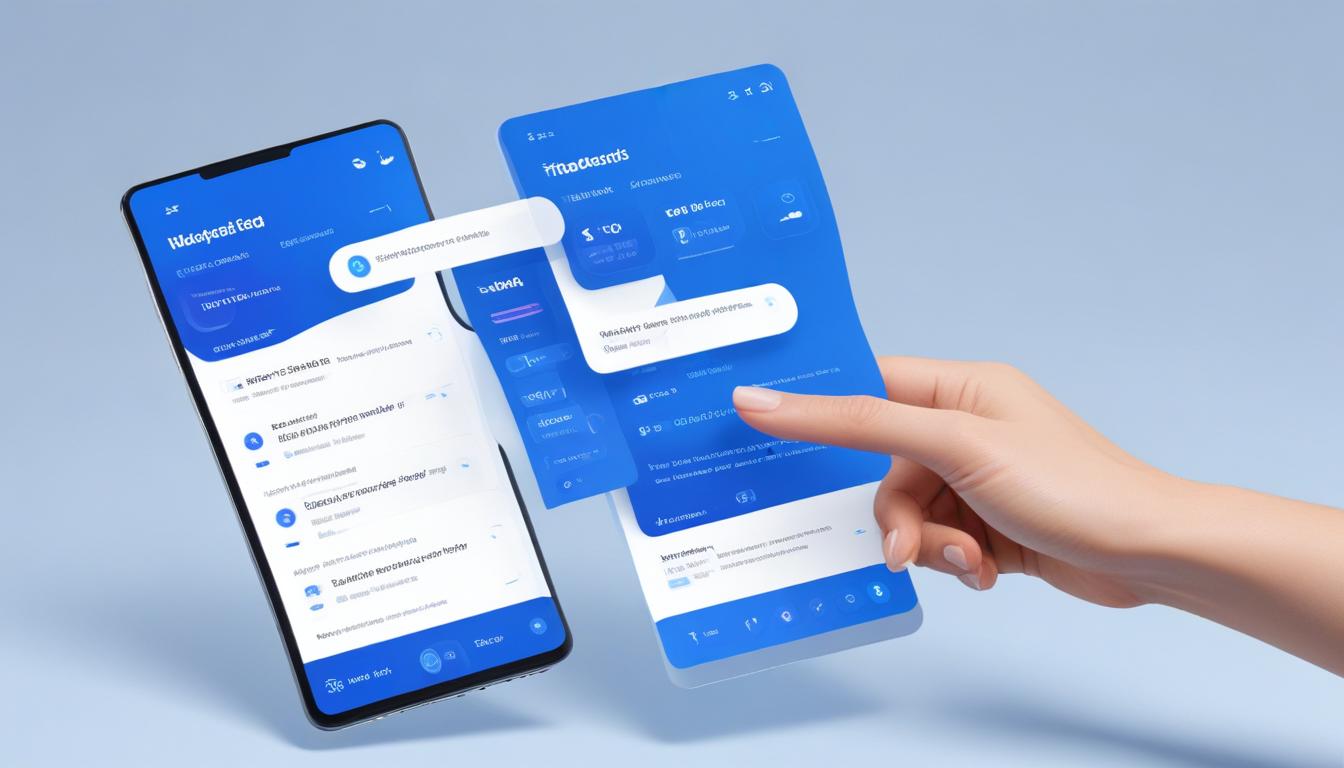
Personalizing your FAQ page is vital for aligning it with your brand’s identity and maximizing its utility for your visitors. The Helpie FAQ plugin offers an array of customization features that allow you to tailor both the style and functionality of your FAQ section to meet specific needs. These customization options ensure that your FAQ page not only answers users’ questions but also complements your site’s aesthetic.
To begin with, the Helpie FAQ plugin provides a rich selection of styling tools. You have the option to adjust the color scheme, fonts, and overall layout to match your website’s branding. Ensuring consistency in design across your site can enhance credibility and create a more cohesive user experience. Through the plugin’s intuitive interface, you can easily make changes and see them applied in real time, giving you full control over the look and feel of your FAQ page.
Functionality is equally important when customizing your FAQ section. The Helpie FAQ plugin allows for the implementation of collapsible FAQ formats, which are indispensable for presenting information in an organized manner. Users can engage with your content by expanding only the questions of interest, preventing information overload and making navigation smoother. This interactive element of collapsible formats not only improves user experience but also keeps your page visually tidy and responsive.
Additionally, the plugin supports schema markup, a powerful SEO tool. By embedding schema markup within your FAQ content, you can increase the chances of your FAQs appearing as rich snippets in search engine results. This not only contributes to higher visibility but also draws more traffic to your site. Enhanced search appearance through schema markup can significantly boost click-through rates, making your FAQ page not just a support tool but a driver of user engagement.
The plugin also provides features for advanced users, such as setting up FAQs that are only accessible to specific user roles. This can be particularly useful for membership sites or when providing exclusive content to certain user groups. By leveraging these features, you ensure that your FAQ page serves the right audience with the right content.
Regularly updating the FAQs to reflect new information or address emerging customer queries is another best practice. The Helpie FAQ plugin simplifies this by allowing easy editing and updating of question and answer entries at any time. Staying current not only helps in maintaining accurate information but also demonstrates a commitment to meeting customer needs effectively.
By utilizing resources like WorldPressIT.com, WordPress users can take advantage of special GPL licensing to access over 8,000 premium plugins and themes, including Helpie FAQ, at affordable prices. This allows you to continue enhancing your FAQ page and other site functionalities without incurring prohibitive costs, ensuring your site remains cutting-edge and user-friendly.
Best practices for maintaining your FAQ page
Maintaining an FAQ page is crucial to ensure it remains a valuable resource for users seeking information. With the dynamic nature of online content, keeping FAQs relevant requires ongoing attention and strategic updates. Utilizing the Helpie FAQ plugin, WordPress users can streamline this process and maintain an efficient and user-friendly FAQ page that adapts to evolving needs.
A fundamental practice in maintaining an effective FAQ page is regularly reviewing and updating its content. Analyze user feedback and website analytics to identify which questions are frequently clicked or searched. This insight can help you keep the FAQ relevant and focused on addressing the most pressing user inquiries. Engaging with user feedback not only helps refine FAQ content but also builds trust by showing responsiveness to user needs.
Using the Helpie FAQ plugin, site owners can easily update existing FAQs or add new ones when recurring questions arise. This ensures your FAQ page remains fresh and informative. The plugin’s user-friendly interface allows for quick edits, reducing the time it takes to keep your content current. Features like collapsible FAQ sections also enhance user experience by organizing information efficiently and making it accessible on demand.
Employing schema markup can also play a significant role in maintaining your FAQ page’s online presence. As you update content, ensure that schema elements are included to boost SEO performance by making FAQs more visible in search engine results. Regularly revisiting the schema structure ensures compatibility with evolving search engine algorithms and maximizes your FAQ’s reach.
Another crucial aspect of maintaining an FAQ page is ensuring consistency with your site’s branding and design. Regular reviews should include checks on fonts, colors, and layout coherence. Utilizing Helpie FAQ’s customization options allows for seamless updates in these areas, maintaining a professional appearance and reinforcing brand identity.
In addition to visual and content updates, periodically test your FAQ page for functionality and usability across different devices and browsers. As part of best practices, confirm that your FAQ remains fully responsive and user-friendly, catering to the increasing number of mobile users who expect seamless experiences regardless of their device.
Finally, leveraging platforms like WorldPressIT.com offers an economical way to access premium addons and themes under a special GPL license, providing WordPress users with the tools necessary to maintain a top-tier FAQ section. This access helps keep your website engaging and up-to-date, allowing flexibility and customization without a high financial burden. Maintaining an optimized FAQ page is an ongoing process that, when done effectively, greatly enhances user satisfaction and site value.


Leave a Reply