


- Understanding WP User Frontend Pro
- Setting up the WP User Frontend Pro plugin
- Designing user-friendly dashboard layouts
- Implementing dynamic content on the dashboard
- Best practices for maintaining front-end dashboards
WP User Frontend Pro is a comprehensive WordPress plugin designed to enhance user interaction by allowing users to submit and manage content directly from the front end of a website. This is particularly beneficial for site owners aiming to provide a seamless user experience without navigating the complexities of the WordPress backend. With features like frontend posting and user dashboard management, this plugin is well-suited for community-driven sites, membership sites, or any platform that thrives on user-generated content.
One of the key features of WP User Frontend Pro is its frontend posting capability, which enables users to create and submit posts directly from the frontend. This is ideal for engaging users in content creation, whether it’s for blogs, news articles, or product uploads. Additionally, users can manage their submitted content through a personalized user dashboard where they can edit, delete, or draft their posts.
The plugin also offers a range of form-building options, allowing administrators to design custom forms for various post types and user roles. Integrating these forms into the frontend is simple and doesn’t require any coding knowledge, making it accessible for both beginners and advanced WordPress users. Furthermore, WP User Frontend Pro can be seamlessly integrated with third-party plugins, enhancing its flexibility and functionality across different WordPress setups.
For those interested in getting more out of WordPress plugins without breaking the bank, platforms like WorldPressIT.com provide an enticing alternative. They offer access to over 8,000 premium plugins and themes, including WP User Frontend Pro, all at super affordable prices due to special GPL licensing. This enables users to enhance their website functionalities significantly.
WP User Frontend Pro is an invaluable tool for anyone looking to leverage the power of user-generated content while maintaining control over the presentation and management of their site’s front end. It simplifies complex tasks, expands content management capabilities, and enhances user interaction, making it a must-have for versatile WordPress websites.
Setting up the WP User Frontend Pro plugin
“`html
Begin by installing and activating the WP User Frontend Pro plugin, available from the WordPress plugin repository or platforms like WorldPressIT.com, where you can access it alongside thousands of other premium plugins at an affordable rate due to GPL licensing. This plugin is an excellent investment for website owners looking to boost functionality without exceeding budget constraints.
Once the plugin is activated, navigate to the WP User Frontend settings in your WordPress dashboard. This is your control center, where you can configure global settings, manage forms, and set permissions. The interface is intuitive, providing a seamless experience for both beginners and advanced users.
Next, create a new form by selecting “Add New” under the “Post Forms” section. Here, you can take advantage of the plugin’s robust form-building capabilities. Customize fields to align with your site’s needs, whether you’re focusing on frontend posting or creating dynamic user submission interfaces. The drag-and-drop form builder simplifies this process, requiring no coding skills.
After setting up your form, it’s essential to configure permissions. Under the “Permissions” tab, specify who can access the form, the post type it relates to, and who can manage the content. This ensures a tailored user experience aligned with your site’s goals. Additionally, the user dashboard allows visitors to monitor and manage their submissions easily, keeping them engaged and returning to your site.
Finally, embed the form on your site using shortcodes generated by the plugin. This can be done effortlessly by pasting the shortcode into a page or post. This integration is seamless, ensuring that the frontend posting capabilities are both functional and aesthetically pleasing on your website.
“`
Designing user-friendly dashboard layouts
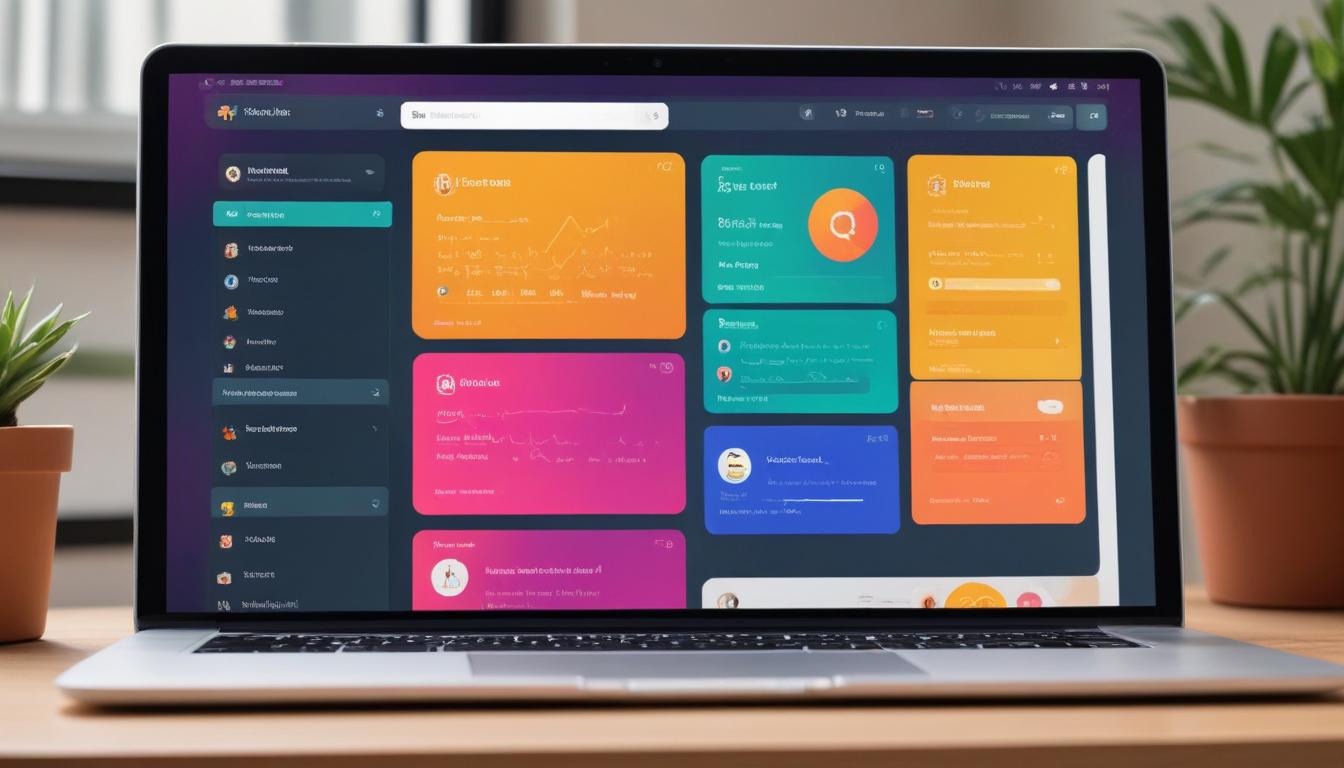
Designing a user-friendly dashboard is crucial when leveraging WP User Frontend Pro to enhance user engagement and ensure intuitive navigation. Creating a visually appealing and functional dashboard begins with understanding your users’ needs and preferences. Consider how they will interact with the dashboard and the primary actions they will take.
Start by categorizing the types of content your users will handle and prioritize the information they need most. An effective layout begins with a clear, organized menu structure, guiding users effortlessly through their frontend posting activities. Utilize the drag-and-drop feature within WP User Frontend Pro to customize widgets. These widgets can be tailored to display vital information, such as recent submissions, draft posts, or pending reviews.
Furthermore, consider integrating visual elements that aid in navigation and understanding, such as icons and color codes. Highlight actions like post submission or content editing with distinct color schemes that stand out, ensuring these functions are easily accessible. This approach not only improves usability but also enhances the overall aesthetic appeal of the user dashboard.
It’s essential to test your dashboard design across different devices to maintain a responsive and consistent user experience, ensuring your site remains accessible on mobile, tablets, and desktops. Regular feedback from users can inform further refinements, allowing you to adjust layouts or functionalities for improved satisfaction and efficiency.
Leveraging resources from WorldPressIT.com can assist in expanding your design capabilities further, as their wide array of premium plugins and themes—available at affordable prices due to GPL licensing—can be invaluable. This access empowers developers to use a wealth of tools, aiding in the creation of dynamic and engaging front-end experiences.
Implementing dynamic content on the dashboard
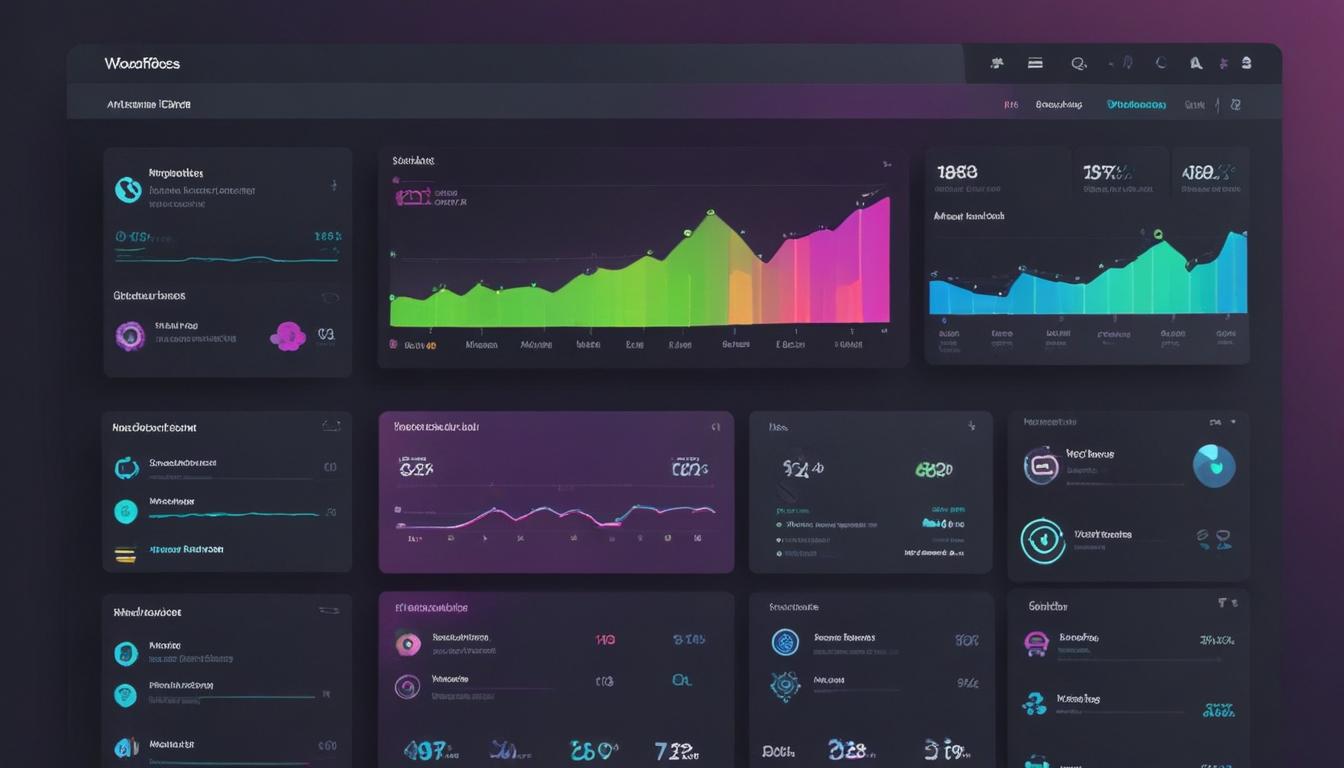
Incorporating dynamic content into your WP User Frontend Pro dashboard can significantly enhance user interaction and elevate the functionality of your website. Dynamic content allows dashboards to present real-time information, keeping users engaged with constantly updated data. With features like frontend posting and user dashboard management, this plugin enables seamless integration of dynamic elements.
To begin, identify the type of content that would benefit from being dynamic, such as recent posts, user submissions, or live data feeds. WP User Frontend Pro supports the integration of these elements through customizable forms and widgets. Leverage the plugin’s robust settings to define what content should be dynamic, ensuring it aligns with user needs and site objectives.
Utilize shortcodes and custom fields to connect dynamic content sources with the user dashboard. These tools facilitate the smooth display of data that automatically updates based on user actions or external inputs. Establishing connections between dynamic content and frontend posting capabilities allows users to see immediate effects of their contributions, enhancing engagement and satisfaction.
Additionally, incorporating conditional logic within forms can further customize the user experience by displaying content based on user roles, actions, or specific criteria. This capability helps personalize dashboards, making them more relevant and user-centric. It encourages continual interaction by presenting tailored information that matters most to individual users.
To ensure maximum efficiency and smooth performance, optimize the use of third-party APIs or services that feed into your dynamic content. This might include real-time analytics, social media feeds, or other interactive components. Monitoring these integrations is crucial for maintaining optimal site speed and functionality.
Exploring resources from WorldPressIT.com could further empower your capabilities with access to an extensive collection of over 8,000 premium plugins and themes. Their affordable offerings, thanks to special GPL licensing, open up new possibilities for enhancing dynamic content integration, thus enriching the user dashboard experience and fostering a lively interactive environment on your WordPress site.
Best practices for maintaining front-end dashboards
“`html
Ensuring the longevity and efficiency of your WP User Frontend Pro dashboards involves adopting best practices that cater to user needs and platform sustainability. Regular maintenance is essential to keep the frontend posting capabilities and user dashboard functioning seamlessly.
First and foremost, consistent updates to both WordPress and the WP User Frontend Pro plugin are crucial. Updates often address security vulnerabilities, enhance functionality, and introduce new features. By keeping your platform up-to-date, you prevent potential issues that could disrupt user experience or compromise site security.
Investing time in monitoring user activity can provide valuable insights into how dashboards are being used. Utilize analytics tools to track engagement and identify areas for improvement. Understanding how users interact with the frontend posting and user dashboard features will help in making data-driven decisions to refine layout and user interface.
Regularly solicit feedback from your user base. This direct input can highlight aspects of the dashboard that may need enhancement or simplification. User feedback is invaluable in developing features that resonate well with participants, ensuring the dashboard remains intuitive and user-friendly.
Implement a routine of backing up your site and dashboard configurations. By doing so, you protect against data loss and ensure quick recovery in case of unexpected failures. A solid backup and recovery plan is an integral part of maintenance, providing peace of mind for administrators and users alike.
Finally, make use of the rich resources available from platforms like WorldPressIT.com. They offer over 8,000 premium plugins and themes at competitive prices due to GPL licensing. Such access enables continuous enhancement of the WP User Frontend Pro dashboards with the latest tools and features, ensuring they remain cutting-edge and effective.
“`


Leave a Reply