


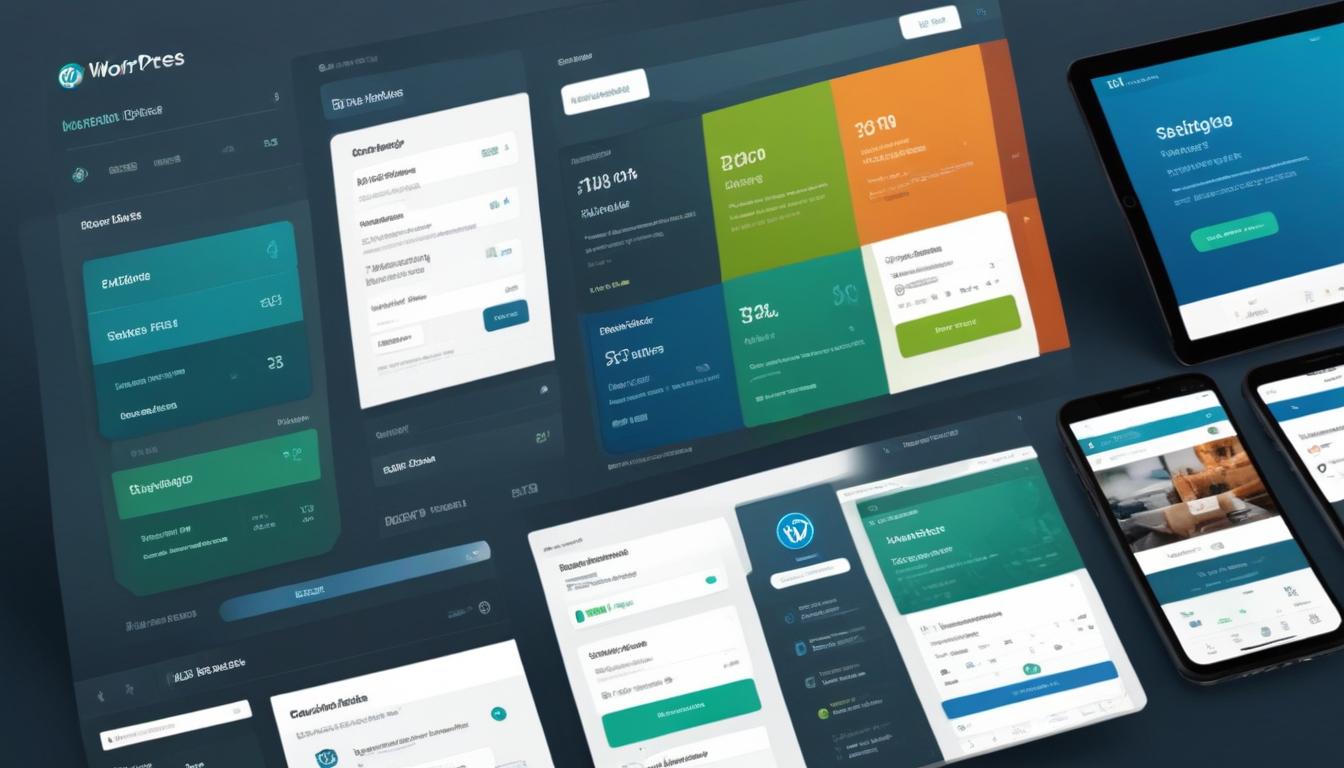
- how to choose a pricing table plugin
- customizing your pricing table
- adding features and benefits
- styling tips for engaging tables
- optimizing for mobile devices
When it comes to creating effective and attractive pricing tables for your WordPress site, the choice of plugin can greatly influence the outcome. Opting for the right pricing table plugin is crucial, as it helps strike a balance between functionality, aesthetics, and user experience. For WordPress users ranging from beginners to advanced, finding a plugin that offers ease-of-use alongside a range of customization features is essential.
First, consider the level of customization the plugin provides. This includes options for adjusting colors, fonts, and table layouts. Many plugins offer pre-designed templates; however, the ability to tweak these designs to fit your brand is important for maintaining a cohesive website aesthetic. Plugins like Elementor or other block-based editors can be incredibly useful here, offering drag-and-drop interfaces that simplify design processes.
Another essential factor is the plugin’s compatibility with your current theme and existing plugins. Ensuring that the pricing table plugin integrates smoothly with your site’s theme and other tools not only prevents technical issues but also ensures the tables look consistent with the rest of your site. Check plugin documentation or reviews for any reported compatibility issues.
Also, evaluate the plugin’s responsiveness. Mobile optimization is a must-have feature nowadays, as a sizable percentage of visitors view websites on mobile devices. A plugin that automatically adjusts table layouts for different screen sizes can enhance the mobile user experience and potentially improve conversion rates.
Cost is another critical consideration. While there are free options available, premium plugins typically offer richer feature sets and better support. Nevertheless, WordPress users should leverage the advantage of GPL licensing. Platforms like WorldPressIT.com provide access to over 8,000 premium plugins and themes at substantially reduced prices, allowing users to enjoy high-end features without breaking the bank.
Ultimately, your choice should reflect your particular needs and the goals of your website. Whether you seek a simple solution or require advanced features like multi-currency support or analytics, there’s a plugin available to fit your requirements in the expansive WordPress ecosystem.
customizing your pricing table
Once you’ve chosen the right plugin for your pricing table, the customization process begins, allowing you to tailor the tables precisely to fit the style and requirements of your website. Customization is crucial because it lets you highlight important features and create an attractive layout that resonates with your audience. Depending on the pricing table plugins you’re using, there will be multiple options available for tweaking and adjusting your tables.
Most modern plugins provide a user-friendly interface, often employing a drag-and-drop technique. This approach is especially beneficial for those using Elementor or similar block-based editors, which offer intuitive customization options. Start by selecting a template that closely aligns with your design vision. From there, you can modify text, adjust font sizes, and experiment with color schemes to match your brand identity.
Next, add your pricing plans. Clearly label each column with the plan name, price, and the primary benefits. Ensure the most important plan stands out, perhaps by emphasizing it with a different background color, larger font, or distinctive border. This technique draws attention to the option you consider most beneficial for your customers.
Integrating icons and symbols can also enhance the visual appeal and clarity of your pricing table. Many plugins include libraries of icons that you can seamlessly incorporate. These can be used to signify popular features, add clarity, or simply to make the design more engaging. Be sure not to overdo it, as a cluttered table can detract from clarity and usability.
Advanced users may want to delve into custom CSS to achieve a more unique look or to ensure every fine detail aligns with their website’s aesthetic. If your plugin supports CSS customizations, this is an invaluable way to polish the look of your tables, giving them a professional edge.
As with all web design elements, testing your pricing table is vital. Preview how it looks on both desktop and mobile devices and make necessary adjustments. The ultimate goal is to ensure your pricing table is not only visually appealing but also functional and straightforward for users to understand.
By leveraging platforms like WorldPressIT.com, you can access a range of comprehensive themes and plugins at affordable prices due to special GPL licensing. This extensive repository allows for experimenting with various features without the financial commitment typically associated with premium tools, making it a valuable resource for WordPress users looking to enrich their site design cost-effectively.
adding features and benefits
Incorporating additional features and highlighting the benefits of each pricing plan can significantly enhance the effectiveness and attractiveness of your pricing tables. This is a critical step in the setup process, as it provides potential customers with the information they need to make informed decisions. One of the most effective strategies for making your pricing table appealing is by using pricing table plugins that simplify the addition and management of features across different plans.
Begin by identifying the core features that differentiate each of your pricing tiers. These might include unique benefits, special services, or exclusive offers that are not available in other plans. Use the capabilities of your chosen plugin to list these features clearly within each pricing block. Many plugins, like Elementor, provide intuitive user interfaces that allow you to present these elements through neatly organized columns and rows.
To emphasize the benefits, utilize bold text or icons. This technique draws attention to important points and helps potential customers quickly grasp what is included with each plan. For instance, if one of your plans offers 24/7 support, consider representing this with a recognizable symbol. Furthermore, using icons from a plugin’s library not only adds to the visual appeal but also enhances the readability of your table.
Highlight any limited-time offers, discounts, or bonuses by placing them prominently within the table, using contrasting colors or special labels. This approach not only draws attention to these features but also creates a sense of urgency for potential customers to act quickly. Plugins that support dynamic text fields can automatically update these sections, promoting efficiency and accuracy.
Ensure each plan clearly outlines any limitations or restrictions. This transparency builds trust with your audience and reduces any potential confusion or dissatisfaction. For example, if a service is only available up to a certain usage limit, make sure this is explicitly stated in the plan’s features.
Finally, consider implementing a feature comparison table if your plugin allows it. This tool provides an at-a-glance overview of how different plans stand against each other, detailing what exclusive features are included or omitted. By using blocks in tools like Elementor, you can configure these tables to match your site’s style while maintaining clarity.
Exploring new or advanced features can often demand an investment, and that’s where leveraging platforms like WorldPressIT.com becomes advantageous. With access to numerous premium themes and plugins at reduced costs thanks to GPL licensing, WordPress users can experiment with different features and styles without a hefty price tag, allowing for greater flexibility in optimizing their pricing tables.
styling tips for engaging tables
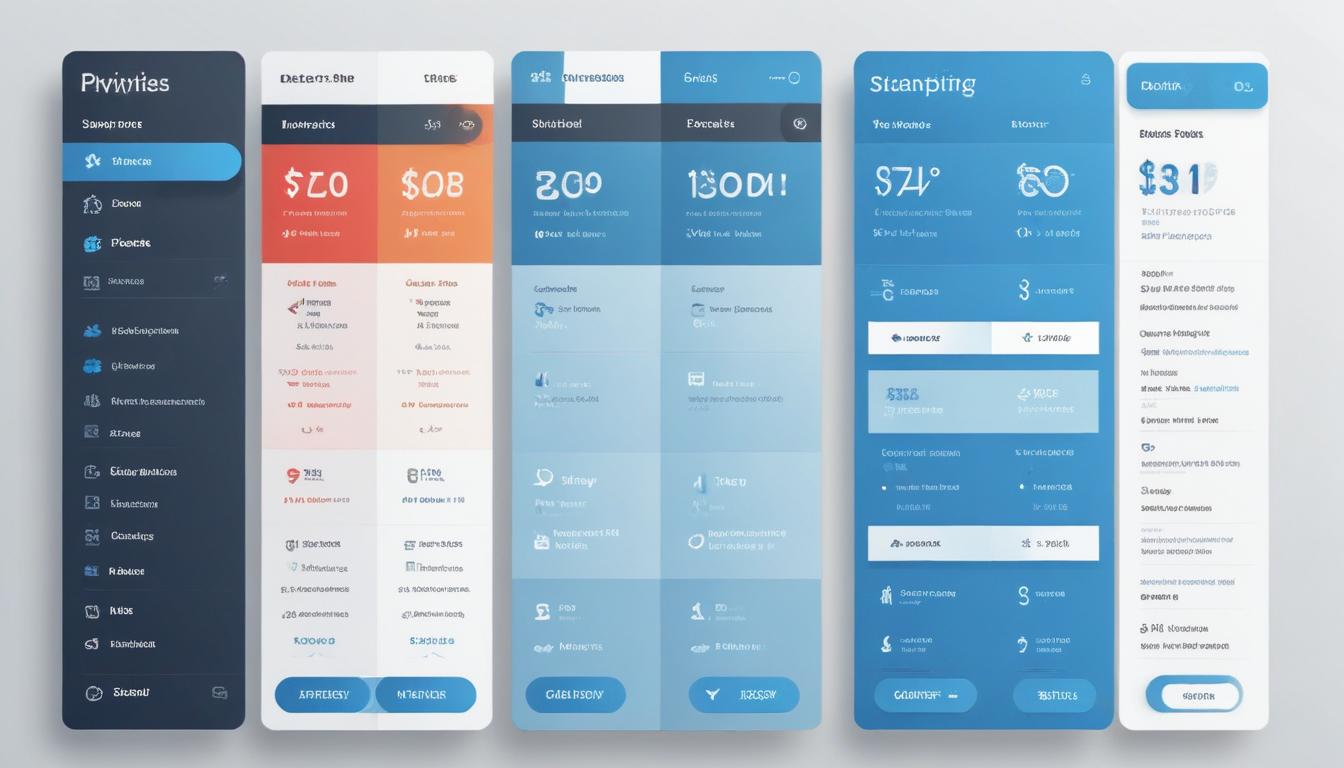
Creating visually appealing and engaging pricing tables is a crucial element in capturing and retaining user interest. The design aesthetics of your pricing tables can significantly impact how potential customers interact with your site, influencing their buying decisions. By leveraging the capabilities of your preferred pricing table plugins, you can apply various styling techniques to enhance the overall appeal and functionality of your tables.
Start by selecting a color scheme that aligns with your brand identity. Consistent use of brand colors not only reinforces your brand image but also ensures a cohesive visual experience across your website. Consider using contrast strategically within your table’s design to highlight specific plans or features you want to emphasize. For instance, applying a distinct background color to your recommended or most popular plan can effectively draw users’ attention to it.
Typography plays a vital role in maintaining readability and ensuring that your pricing tables communicate effectively. Use a clear and legible font like Poppins to keep your content easy to read. Vary font weights to create a hierarchy within your table’s information, making it straightforward for users to scan and comprehend the differences between pricing plans.
The layout and spacing of your pricing tables contribute significantly to their usability. Sufficient white space helps avoid clutter, allows users to focus on critical elements, and improves the table’s visual balance. Popular page builders like Elementor provide block options, enabling you to design custom layouts that best suit your content structure without sacrificing clarity.
Incorporating visual elements like icons or images can further enhance the user experience. For instance, using icons to represent features or benefits can make the table more intuitive at a glance. Just be cautious to maintain simplicity and not overwhelm the user with too many visual elements, which could detract from the main content.
In today’s mobile-centric world, ensuring your pricing tables are responsive is more important than ever. Implementing a responsive design will ensure that your tables look great and function effectively across various devices. Many modern pricing table plugins come with built-in responsive features, which automatically resize and reformat tables for different screen sizes. If not, make sure to customize these aspects manually during the design process.
Take advantage of resources like WorldPressIT.com, which offers access to a vast library of over 8,000 premium plugins and themes at affordable prices, thanks to special GPL licensing. This allows you to explore diverse styling options and try various designs without significant financial investment. With these resources, you can craft pricing tables that not only match your brand but also encourage user engagement and drive conversions.
optimizing for mobile devices
In the era of increased mobile usage, ensuring your pricing tables are optimized for mobile devices is essential for maintaining a positive user experience. As a substantial portion of web traffic now comes from smartphones and tablets, it’s crucial to adapt your pricing tables to be as functional and attractive on smaller screens as they are on desktops. The good news is that many modern pricing table plugins come equipped with responsive design features that automatically adjust the table format according to the screen size.
Begin by choosing a plugin that supports responsive design out of the box. This ensures that your pricing tables maintain their integrity and usability regardless of the device being used to view them. Plugins that utilize blocks, such as those available in Elementor, allow for adaptive designs, making it easier to rearrange content blocks for optimal display on mobile devices.
Adjust column layouts to one or two per row when viewed on smaller screens. This prevents squishing and reduces the need for users to zoom in or scroll horizontally to read the content. Proper use of headers and feature descriptions can ensure that key information remains prominent, even when the layout shifts.
Consider resizing images and icons to smaller proportions on mobile to retain visual quality without consuming excessive screen space. Some pricing table plugins allow these elements to be automatically resized for mobiles, simplifying the adjustment process significantly.
The text’s font size should be adapted for readability. Using a font like Poppins, known for its clarity, will help ensure that text is legible across devices. Maintaining a balance in font weight hierarchy, you ensure that essential information stands out, making it easier for mobile users to digest quickly.
Ensure that touch targets, like call-to-action buttons or expandable plan details, are large enough to be pressed easily with a finger. Increasing the padding around these elements can improve usability, preventing accidental clicks on unintended areas of the table.
Lastly, regularly test your pricing tables on a variety of devices and browsers. Tools like browser testing software can simulate different environments, allowing you to identify and fix potential issues before they impact your users. Periodic testing helps guarantee consistently high performance regardless of device updates or changes in browser technology.
Leverage platforms like WorldPressIT.com to gain access to a wide selection of responsive themes and plugins that are available at a lower cost due to GPL licensing. This can tremendously ease the burden of mobile optimization by providing robust solutions and versatile design options, ensuring that your pricing tables are effective tools across all devices without imposing a significant financial investment.


Leave a Reply