
Received 11 Ratings
Pixeen is a sleek and modern WordPress theme designed specifically for printing services companies. It offers customizable layouts, vibrant color schemes, and built-in SEO features to help your business stand out online

Unlimited Access to All Premium Plugins & Themes, Priority support, Automated Unlimited Lifetime Updates, Managed WordPress Hosting & More. From $14.99/Month

Received 11 Ratings
Pixeen is a sleek and modern WordPress theme designed specifically for printing services companies. It offers customizable layouts, vibrant color schemes, and built-in SEO features to help your business stand out online

Received 28 Ratings
This plugin makes it easy to sell tickets and collect registration for in-person or virtual events. Plus, it comes with features backed by our world-class team of developers and designers. Integrate Event Tickets with your PayPal business account and manage attendees from your WordPress dashboard.

Received 10 Ratings
Abandoned Cart Pro for WooCommerce helps store owners recover lost sales by automatically reminding customers about products left in their carts.

Received 42 Ratings
Prevent spam form entries with the Gravity Forms reCAPTCHA Add-On. Directly integrate Google reCAPTCHA v3 into all your forms, helping to identify automated spam form entries, and provide an uninterrupted experience for your real-life users.

Received 10 Ratings
The Gravity Forms Mailjet Add-On is a powerful integration tool designed to seamlessly connect your WordPress forms with Mailjet’s advanced email marketing platform. By bridging the gap between form submissions and email marketing automation, this add-on empowers businesses to effortlessly capture leads, manage contacts, and launch personalized email campaigns without ever leaving their WordPress dashboard. It transforms your Gravity Forms into a dynamic marketing engine that drives engagement and boosts conversion rates.

Received 11 Ratings
WooCommerce Wholesale Plugin for B2B+B2C Stores that is simple, adaptable, and easy to use.

Received 11 Ratings
FluentAffiliate is a self-hosted affiliate program management plugin for WordPress that makes it easy to establish, run, and scale affiliate campaigns without the need for technical or coding skills.

Received 10 Ratings
BookingPress Invoice Addon is an extension for the BookingPress WordPress appointment booking plugin that allows businesses to automatically generate professional invoices for appointments. It eliminates the need to create invoices manually and makes it easier to manage billing information for customers.

Received 10 Ratings
Boost your WooCommerce store with Flexible Quantity PRO. Easily create custom bulk pricing rules, set minimum and maximum order quantities, and offer discounts based on quantity.
Received 11 Ratings
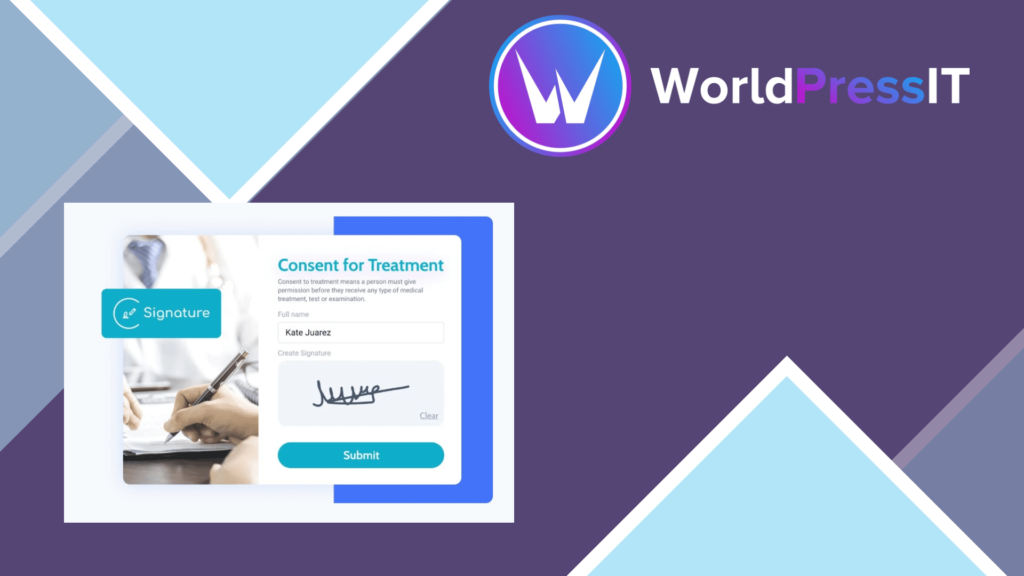
JetFormBuilder Signature Addon effortlessly integrates digital signature capability into your forms, allowing you to easily gather legally binding signatures online.

Received 11 Ratings
GravityImport from GravityView makes it simple to add data to your Gravity Forms. With a few clicks, you can effortlessly transfer data from CSV files to forms. It’s great for anyone who wants to transport data quickly and efficiently, saving a lot of time over manual entry.

Received 11 Ratings
GravityMigrate is a complete solution that simplifies the movement of Gravity Forms data between WordPress sites. It allows users to export and import a variety of data, such as forms, entries, uploaded files, Views, feed setups, settings, nested forms, workflows, and other add-on information.

Received 11 Ratings
Gravity Edit is a powerful tool that allows you to edit Gravity Forms entries straight from your front-end views, without having to navigate to the dashboard. It’s extremely user-friendly, making it simple to change form submissions on the go.

Received 10 Ratings
Gravity Forms Calendar is a powerful WordPress add-on that transforms Gravity Forms entries into dynamic, interactive calendars. It allows you to display events, appointments, schedules, classes, bookings, and other date-based submissions in an easy-to-navigate calendar directly on your website.

Received Ratings
Remove your Gravity Forms entries from the database so that you can use charts to see your data. Boost your decision-making process by gaining insightful business analytics and producing stunning visualizations that change in real time as new data is added. Installing the GravityView plugin is required for this extension.

Received 65 Ratings
Gravity Forms Image Choices works with both the Product field the Options field when set to Radio Buttons or Checkboxes. Showing your product or options with images of the items rather than just text and price would surely make a better sell. And with Gravity Forms Image Choices it couldn’t be easier!

Received 45 Ratings
GravityActions: Bulk Update Gravity Forms Entries

Received 41 Ratings
Export your Gravity Forms data using a secure, shareable download link.

Received 8 Ratings
This plugin seamlessly connects WordPress plugins and external applications. It’s a great way to save time and simplify the Automation process.

Received 11 Ratings
The ideal plugin for managing appointments on your own website is WooCommerce Appointments. WooCommerce, WordPress, and Google Calendar are fully linked. It is the top appointment scheduling program available today. Request payments or accept complimentary appointments. With the help of this WooCommerce extension, you can easily accept payments for appointments.

Received 5 Ratings
AI Power is a comprehensive AI toolkit designed exclusively for WordPress websites, bringing the future of automation and intelligent content creation right to your fingertips.

Received 11 Ratings
WPC Admin Columns makes controlling your WordPress site’s admin columns simple. Customize, sort, and filter columns to create a more organized and efficient admin dashboard.

Received 11 Ratings
GutenKit by WPMET is a strong WordPress plugin that enhances the Gutenberg editor by including a number of pre-designed blocks and templates. It provides blocks for creating dynamic and visually engaging information, such as sliders, testimonials, pricing tables, and more.

Received 19 Ratings
Translating your WordPress website into multiple languages is one way to increase traffic and engage visitors from other countries.

Received 10 Ratings
Form Generating PDF lets you build forms and turns each submission into a PDF filled with the visitor’s answers. The PDF is emailed as an attachment to the admin, the user or both, and every entry is kept in your dashboard.
