
Received 12 Ratings
Use appropriate schema markup without paying a developer to add your business name, logo, address and phone number, open hours, and more.


Unlimited Access to All Premium Plugins & Themes, Priority support, Automated Unlimited Lifetime Updates, Managed WordPress Hosting & More. From $14.99/Month

Received 12 Ratings
Use appropriate schema markup without paying a developer to add your business name, logo, address and phone number, open hours, and more.

Received 11 Ratings
Jitsi Meet provides a smooth and engaging experience for hosting live video meetings directly from your WordPress website. You can create as many meetings as you wish using the Gutenberg block in Jitsi Meet.
Received 11 Ratings
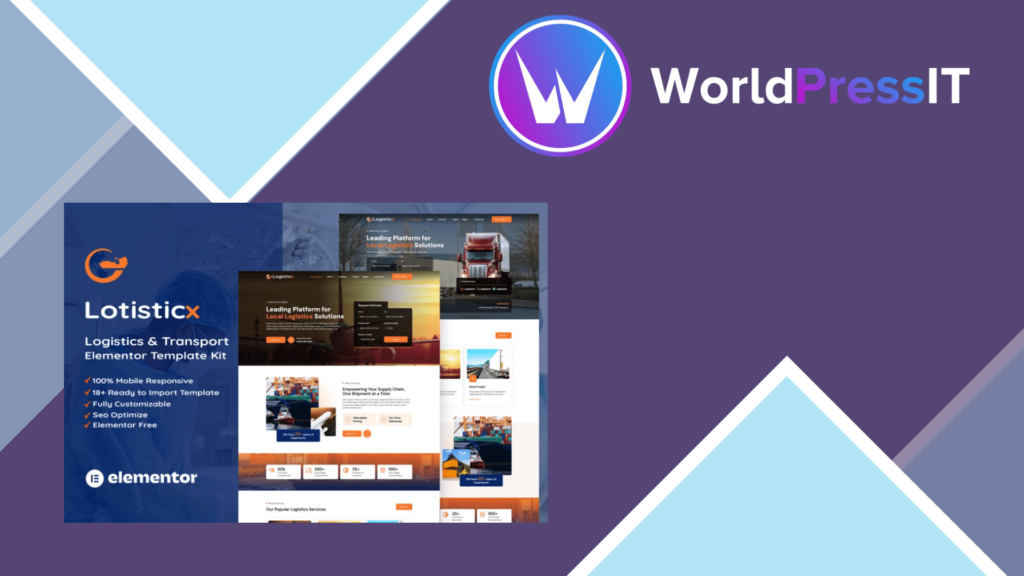
Logisticx Elementor Template Kit is specifically developed for logistics and transportation firms. This bundle of easy-to-use templates allows you to construct a great, professional website in no time.
Received 11 Ratings
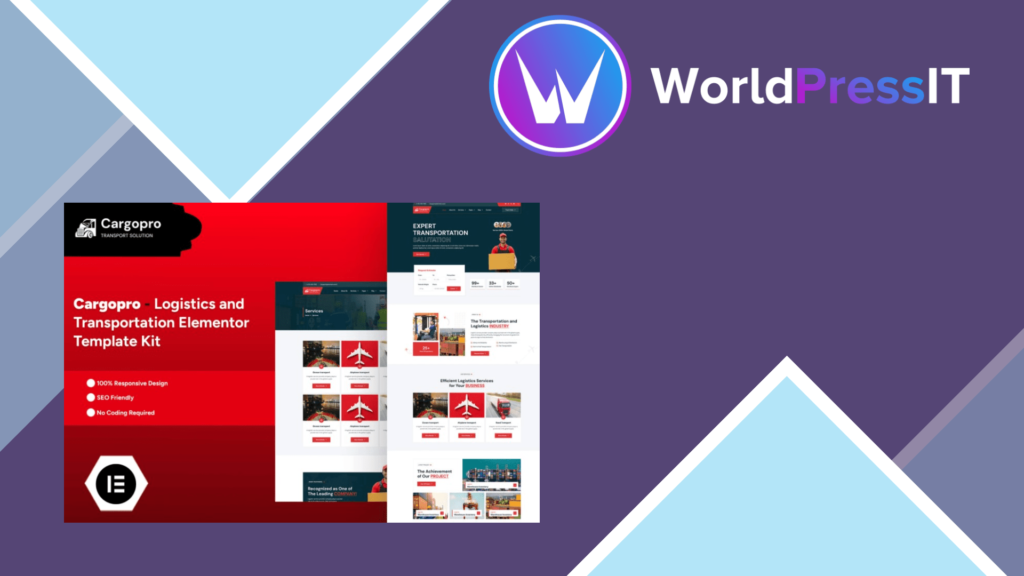
Cargopro is the ultimate Elementor Pro Template Kit created exclusively for logistics and transportation firms. This user-friendly kit includes attractively designed templates that make creating your website a pleasure.
Received 10 Ratings
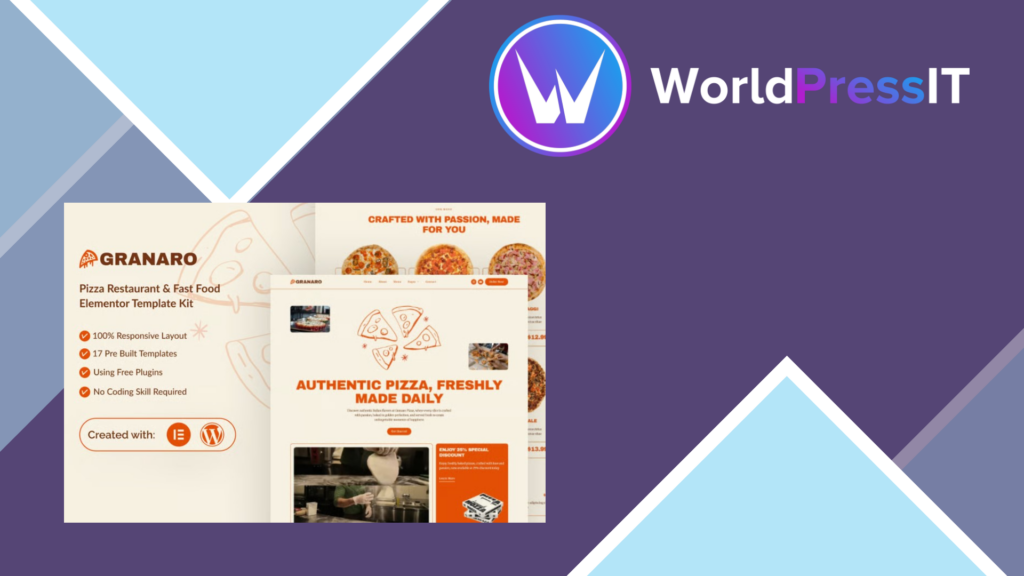
Granaro, the best Elementor template package for pizza and fast food establishments, may help you transform your online presence. This user-friendly design provides bright layouts and adjustable features to highlight your menu and attract customers.
Received 11 Ratings
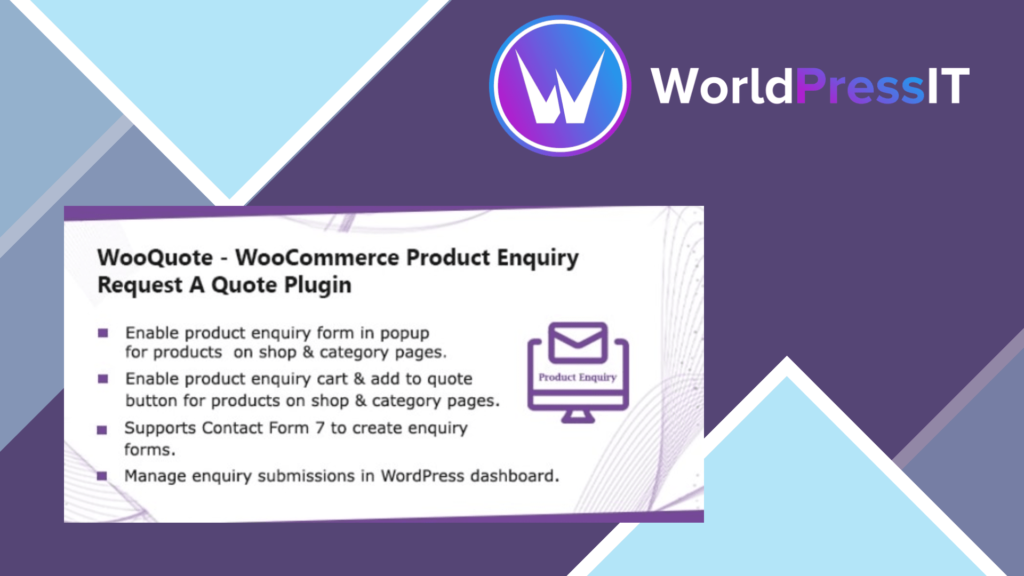
WooCommerce Product Enquiry – Request A Quote plugin allows you to build a complete quotation system with advanced features. Create an unlimited number of rule sets to allow customers to submit inquiries about certain products or categories. The Contact Form 7 plugin allows you to construct a quotation form.

Received 28 Ratings
FooEvents Express Check-in
The FooEvents Express Check-in plugin is an extension for FooEvents that makes checking in and managing attendees at your event a fast and effortless process. The intuitive interface allows you to search for attendees in a matter of seconds or you can connect a Bluetooth or USB barcode scanner to scan tickets instead of typing. You also have the option of automatically checking in attendees to further speed up the process.

Received 62 Ratings
The excellent access offers a completed summary of entire options accessible because of the products: including one plugin only you collect infinite versions (be it sizes, colors, patterns, etc and show all the possibilities between an on-the-spot yet exciting way because there is and actual product in the store.

Received 8 Ratings
Allow users to sign in and register using their mobile phone number and an OTP. With the WooCommerce registration with phone number plugin, you can provide your customers with a simple and secure login method.

Received 69 Ratings
WooCommerce Extra Extension of Product Options. Create choices or addons of priced goods subject common sense (within the shape builder), construct shapes, fashion & verify features, adjust the dropdown attributes of variety in radio button imitation, swatches of images, then swatches.
Received 11 Ratings
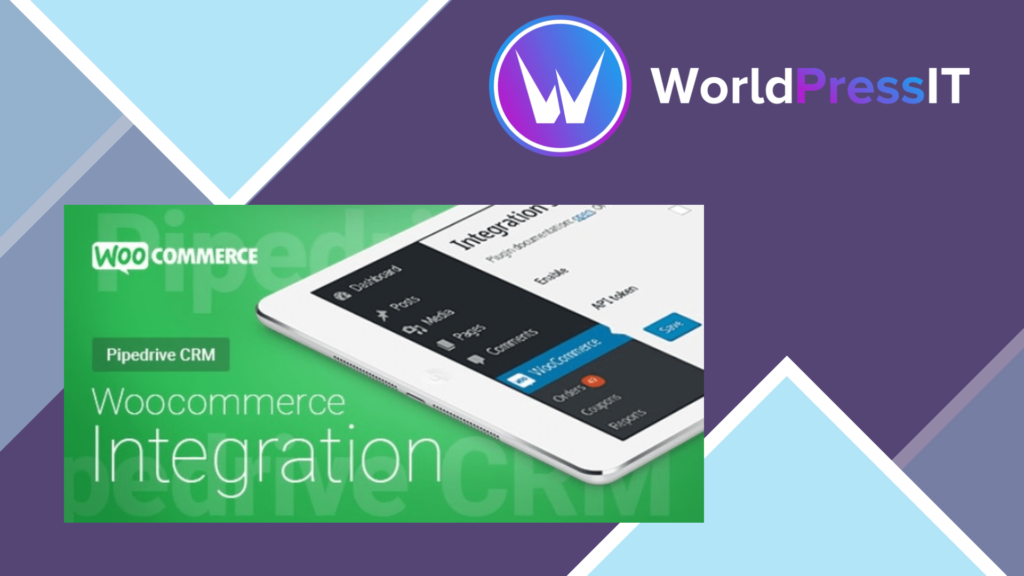
WooCommerce Pipedrive CRM Integration is a WordPress plugin that allows you to easily transmit WooCommerce orders directly to your Pipedrive CRM account.
Received 11 Ratings
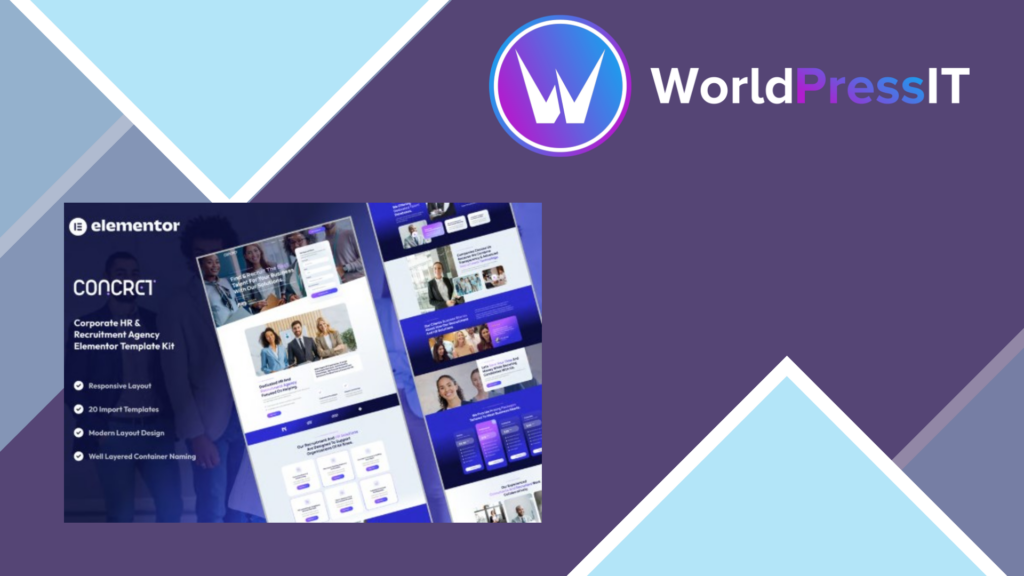
Concret Elementor Template Kit will improve the quality of your HR and recruitment services. This configurable template, designed primarily for business needs, features a sleek and professional look that allows you to easily exhibit your agency’s skills.

Received 69 Ratings
You have the issue of customizing the pages of WooCommerce like: My account, checkout, cart or shop page… on your site? Don’t be afraid!! With the WPBakery Page Builder plugin, DHWCPage will help you customize WooCommerce, which will help you create any WooCommerce page layout very quickly and easily. No skills needed for coding!

Received 42 Ratings
All WooCommerce Subscription Products is a cool WooCommerce Registration add-on extension that allows you to include membership plans to your existing products Start tracking residual income and today build a brand-new partnership with your customers without altering your organization’s heart.

Received 8 Ratings
When users register on your site, they can subscribe to your mailing lists because this extension integrates MailChimp with Ultimate Member.

Received 76 Ratings
Sensei Content Drip is an add-on for the Sensei LMS plugin, so before using Sensei Web Content Drip, the primary plugin must be installed on your website. With the aid of this plugin, you can set your drip schedule based on any fixed day or interval after the start date of the program. Also you can override the drip schedule by hand. When a lesson is still not readily accessible to a certain consumer, you can also configure the message displayed to customers.
Sensei Drip of Content.

Received 47 Ratings
In keeping with your calendar, let users combine their personal events!
What’s it doing?
Accept user-submitted events on your website, like Group Events, a helpful plugin, because it makes it easy to mimic submissions of control matches while keeping flawless monitoring at the top of your calendar.

Received 56 Ratings
WooCommerce Warranties and Returns is a vibrant premium plugin that produces a complete framework inside your WordPress control panel to handle your product support warranties and even the returns from customers. Even with the WPML plugin, it is acceptable. Due to warranties supplied on the product, it creates a trust in your shop. Your WooCommerce store brings even more value to the convenience of returns from the control panel.

Received 53 Ratings
According to Gather the purchasing cart widget, WooCart Pro plugin helps you to search items now for your WooCommerce store charity consumer pleasures so that those bear preference in shopping activities. Customers update and lift goods outside the cart in a much simpler way with this plugin, except that the cart is constantly reloaded.

Received 27 Ratings
Chances are you’ve received requests from members for PDF invoices. Now, with the PDF Invoice Add-on you can allow your customers to download a PDF invoice for every transaction — themselves. PDF invoice makes compliance easier for your customers, provides them with a seamless branded experience, and saves them time. Enjoy a simple-to-use dashboard and choose from two attractive designs.

Received 66 Ratings
Add additional tabs to your MemberPress Account page navigation menu quickly. This is great for adding stuff like a “Contact” link, or a link to a directory page of a member, or whatever else you can imagine.

Received 31 Ratings
Developer Tools Add-on extends the capabilities of MemberPress by enabling a full REST API and webhooks for advanced integration with custom code and comprehensive services like Zapier.

Received 47 Ratings
NEW: CSV import of a commodity variable
NEW: Disable negotiation by productPrices By User Function is a completely pricing & wholesale plugin focused on WooCommerce position as it also helps the online shop to roll rage.

Received 68 Ratings
You can put 2 separate products together in a solitary cart with the aid of this extension, to ensure that you can supply a single solution for those comparable products later. Most of the time people include services that belong to the product, so the sales of services can be improved, as well as individuals who get your item can have a second thought to get the solution.


Typically replies within an hour
I will be back soon

